I thought I was changing the wallpaper. My cat outlasts the battery.
The tablet on my desk shows a Pine64 still life whenever I lock it. I wanted a photo of my cat instead. That is a wallpaper task — five minutes, a settings panel, done.
There is no settings panel. There is no wallpaper. The thing I was looking at is not produced by the desktop at all, and finding out where it *does* come from turned a five-minute job into an evening of tone curves, and taught me something about measuring things I could not see.
The setting that looks right does nothing
GNOME has a key called `org.gnome.desktop.screensaver picture-uri`. It is present, it holds a path, and changing it accomplishes precisely nothing. GNOME Shell reads exactly one field out of that schema — whether the user switcher is enabled — and ignores the picture entirely.
The lock screen's own background is your desktop wallpaper, blurred. Not adjustably blurred: `unlockDialog.js` hardcodes a blur radius of 90 and a brightness of 0.65, and there is no setting anywhere that reaches them. On a colour display that is a design choice. On sixteen shades of grey it is a field of noise.
So both obvious paths were dead — and neither of them was the thing on my screen anyway.
Below the desktop, there is a driver holding a picture
The still life comes from a layer underneath all of that. As the display powers down, the e-ink controller driver pushes a file straight at the panel:
/lib/firmware/rockchip/rockchip_ebc_default_screen.bin
1872 × 1404, 4 bits per pixel, two pixels per byte
exactly 1,314,144 bytes
Not an image format. A raw buffer, one to one with the physical pixels. No blur, no clock, no unlock dialog — and, crucially, **no power required to keep showing it.**
That last part is the whole trick of electronic paper, and it is why this post has the title it does. The pixels hold their state mechanically. When the battery runs out, the picture does not go dark; it just stops changing. With the lid shut this machine draws around 30mA, so a full charge lasts five to seven days — and then the cat is still there, on a tablet with nothing left to give.
I did not set out to build a week-long portrait. I set out to change the wallpaper and accidentally found the one display technology where "screen saver" is literally true.
Nobody documented which way round it goes
The buffer is stored mirrored. I know that because it took me three wrong guesses, not because anyone wrote it down.
What saved the evening was noticing that the machine already ships the answer: the stock Pine64 picture exists as *both* a PNG and the packed buffer the driver actually reads. That makes it a golden sample. Encode the one, compare against the other, and you are not reasoning about byte order — you are checking it.
My encoder reproduced the stock buffer byte for byte on the third attempt. From that point the orientation question was settled, and everything downstream could be trusted.
When a system ships an input and its correct output side by side, that is not documentation. It is better than documentation, because it cannot go stale.
Your monitor lies to you about e-ink
Here is the part I would not have predicted.
Sixteen grey levels sounds like a constraint you solve with a good dithering algorithm. It is not. The harder problem is that **e-ink white is reflective**, returning maybe 40% of the light hitting it, where a monitor emits. Every image I approved on the laptop came out flat and grey in my hands.
The photo made it worse: a white cat lying on a pale floor. Measured across the frame, the standard deviation was 0.09 — the cat and the floor were nearly the same brightness. Everything that makes the picture readable had to be manufactured.
So I stopped looking and started measuring. Three numbers, printed on every attempt:
- **median** — how grey the thing actually is
- **near-white** — how much highlight detail got flattened into pure white
- **p1** — whether anything in the frame still reads as black
Those three caught something my eyes did not. There are two ways to brighten an image, and they fail differently. Pulling the white point down brightens by pushing highlights to pure white — which is where fur detail dies first; near-white doubled from 4.9% to 8.6% and the cat went waxy. Raising gamma brightens the midtones instead — the actual grey — but it lifts the black end too, and the one genuinely dark thing in the frame (a black tail, the only anchor in an otherwise pale picture) started to fade.
The answer was both, plus a black point pulled back to compensate: median moved 170 → 187, near-white held at 5.7%, p1 stayed at 17. Brighter everywhere it mattered, with both ends of the range intact.
None of that is visible on a laptop screen. All of it is obvious in the hand.
One more trap, cheap to avoid once you see it: dither against the exact sixteen levels the buffer can hold. Dither to anything else and the encoder quantises a second time, undithered — and a carefully dithered gradient turns back into banding after you have already paid for it.
The one API call that made this possible at all
This machine cannot be restarted remotely. Three mechanically unrelated paths — the standard reset, an RTC alarm, a hardware watchdog burning through — all end with the power rail dropping and only a human finger bringing it back.
Which means "install it and reboot to see" is not a debugging step. It is a trip to the desk, for every single brightness tweak.
The driver's D-Bus service has a method called `SetOfflineScreenFromFileTemporary`. It swaps the picture at runtime. On any normal computer that is a convenience; here it was the difference between iterating and not doing this at all. Ten rounds of tone adjustment, each one visible in seconds, none of them requiring anyone to walk anywhere.
On a device you cannot reboot, the API that changes something *without* a restart is not a nicety. It is the only loop you have.
What is actually on the screen
A white cat with a black tail, lying on a pale floor, taking up the whole panel — because a 4:3 photo rotated ninety degrees is exactly 3:4, which is exactly the shape of this screen. No crop, no letterbox. Held in landscape, it fills the glass.
The cat will be there in the morning. Still there next week. Still there if the battery dies — which is a sentence I did not expect to write about a computer.
The boring footnote
The recipe is in CVERInc/pinenote, MIT — a script that turns any photograph into one of these buffers, and a codec that self-tests by re-encoding the stock image and checking it byte for byte against the stock buffer. The three findings that cost me the most time are in the README: the dead GNOME key, the mirrored buffer, and the fact that your monitor is systematically optimistic about how this will look.
The earlier half of this device's story — why I bought a tablet that arrived broken instead of the laptop that would have worked — is here.
Keep reading
-
I could recite the rule six hours before I broke it in public
A stranger on a four-year-old merge request made my colleague's argument back at me, about a rule I had learned the same night and could still state correctly. Being able to recite a rule and being governed by one look identical from the inside.
-
I built three instruments to measure a keyboard. They were right about everything that did not matter.
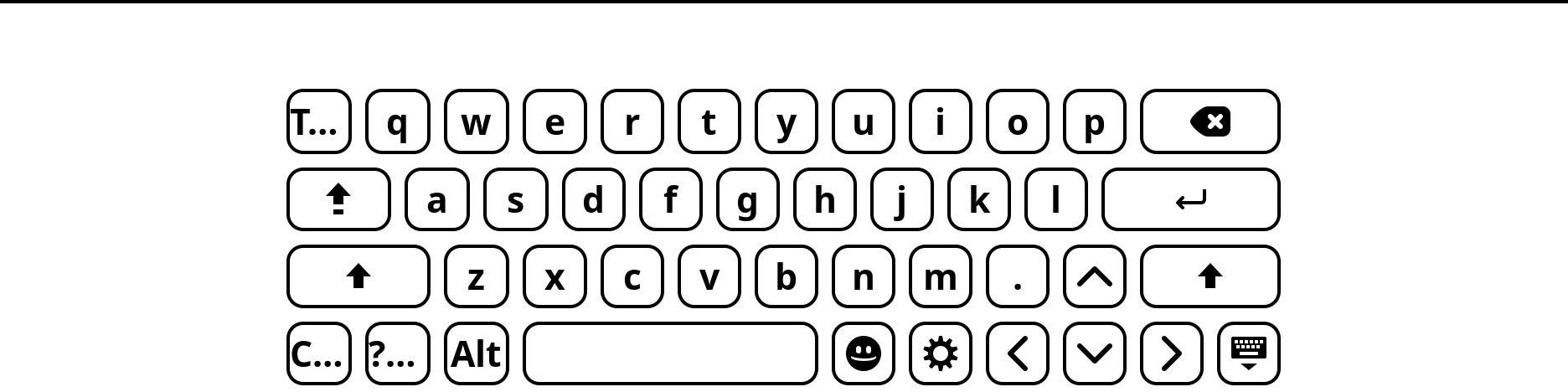
A screenshot API that refuses you, a framebuffer holding a picture from three hours ago, and a grid that silently rounds your widths down. The agent found all of it. Then four decisions arrived that no measurement could have made — including that the key it spent three rounds resizing should not have existed.
-
Three days without power held the picture. One boot erased it.
The picture had been on the panel for four days. The file I installed it as had been read exactly never — the driver takes its default screen from the initramfs, and the thing actually holding my cat up was the API with Temporary in the name.